sprunkity.org is an independent, fan-made AI video tool inspired by the Sprunkity scene; it is not the game and is not affiliated with sprunki1000, itch.io, Incredibox, or TheGoodSprunkiOwner124. The most reliable way to get a useful Sprunkity-style clip is to write a short prompt that gives one subject, one action, one setting, one camera move, and one mood, then generate a 10-second silent 720p 9:16 MP4 and add rights-cleared music in an editor.
The short version
- Keep prompts to one to three sentences.
- Name one original subject or a very small group.
- Describe one clear action and one simple stage setting.
- Choose one camera move: push-in, orbit, or locked-off.
- Add one mood or lighting note, not five.
- Do not ask for on-screen text or copied character art.
- The tool outputs a 10-second, 720p, 9:16 silent MP4 from a written prompt or one character image (JPG, PNG or WebP, up to 10 MB).
- Every render costs 30 credits. New accounts start with 0 credits; there is no signup bonus or check-in reward.
- Paid renders have no watermark. Failed generations return their credits automatically.
- Inputs and outputs are moderated. You must add music you have rights to.
The 5-part prompt formula
A good prompt is not a screenplay. It is a compact instruction set for a short model run. The five parts below are enough for most Sprunkity-inspired clips.
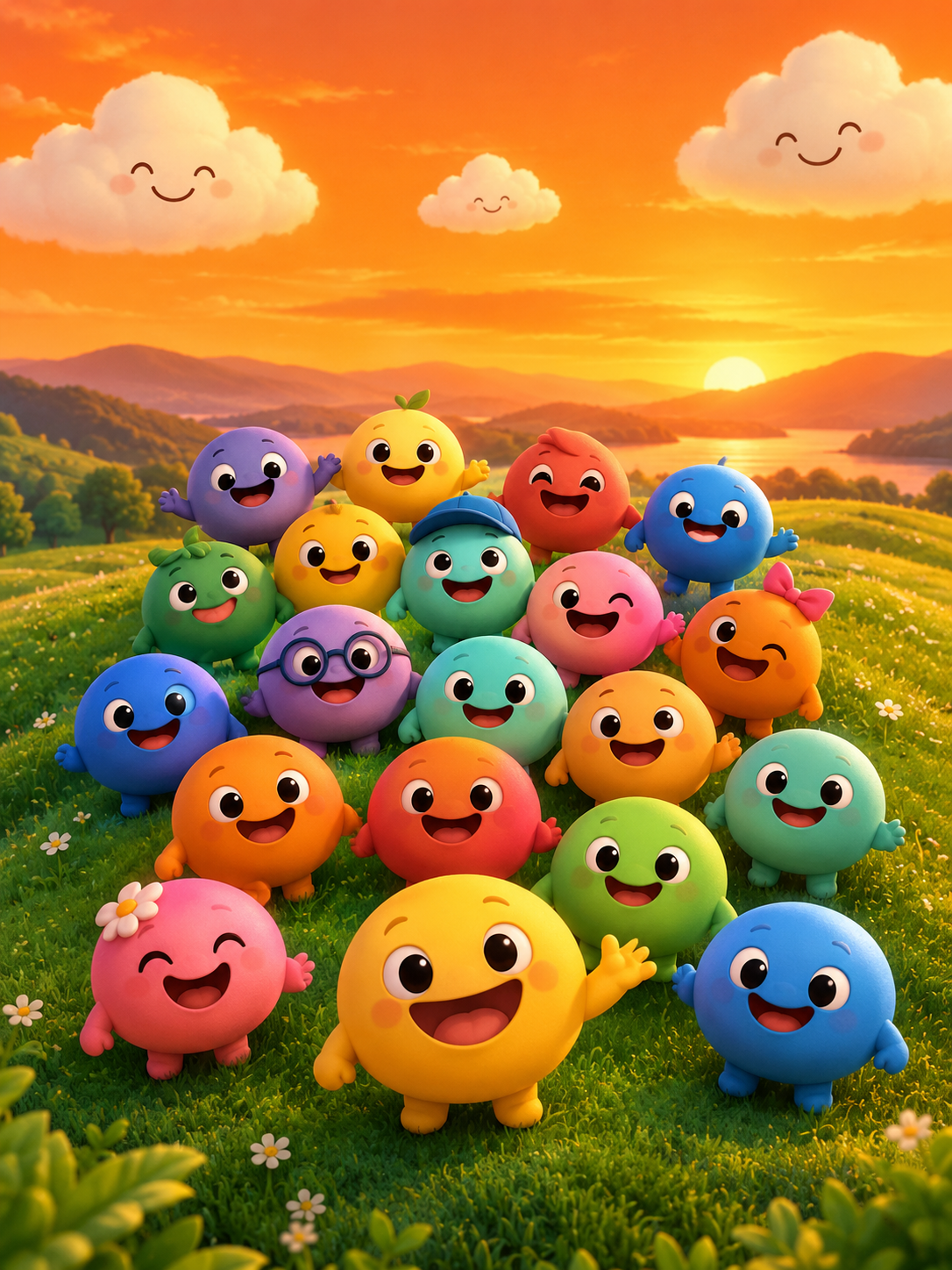
Subject: name one original character, or a small group of two or three, with a simple visual trait such as a round face, a coloured accent, or a stage outfit. Avoid listing a full cast. Avoid asking for an exact copy of a game character, including Verity or any other existing design. The game’s seven circular performer faces and warm orange stage can inspire your wording, but your character should be your own.
Action: describe one visible movement the model can show in ten seconds. “Steps into a spotlight,” “waves once,” “turns from profile to camera,” or “sways in a simple loop” is easier than “dances energetically and sings.” One action gives the render a clear beginning and end.
Setting: place the action in a simple stage space. “Warm orange sky, green hills, soft stage haze” is specific without becoming a list of props. You can use smiling clouds as background detail, but keep them secondary to the performer. A simple setting helps the subject stay readable.
Camera: choose one camera behaviour. A slow push-in, a slow orbit, or a locked-off shot is usually enough. Do not ask for a push-in, orbit, zoom, handheld shake, and crane move in the same prompt. Camera conflicts are one of the most common reasons a short clip looks muddy.
Mood: add one emotional or lighting note. “Playful,” “curious,” “uneasy,” or “warm sunset calm” is useful. “Epic, funny, scary, cute, and mysterious at the same time” is not. Mood should support the action, not replace it.
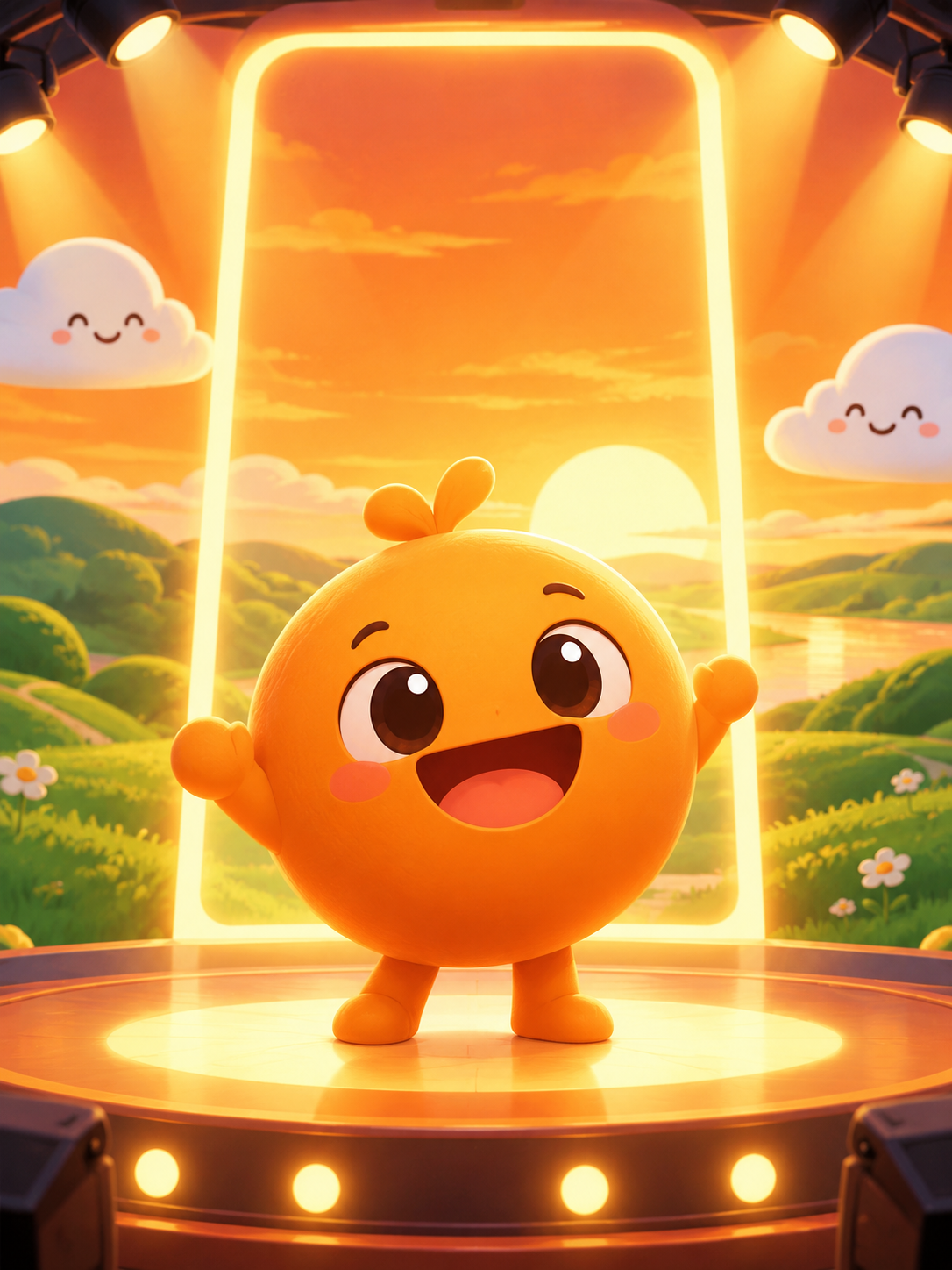
A workable prompt skeleton: “An original round-faced performer in an orange stage outfit steps out of soft haze on a green-hill stage, slow push-in, warm sunset light, curious mood.” That is one subject, one action, one setting, one camera move, and one mood.
| Scene goal | Prompt skeleton | Why it works |
|---|---|---|
| Single character reveal | An original round-faced performer steps from stage haze into a spotlight, slow push-in, warm sunset light, curious mood | One subject and one entrance give the model a clear event |
| Small group chorus | Three original performers bounce once in a row on a green-hill stage, locked-off shot, orange sky, playful mood | A small group with one shared action is easier than a crowd |
| Spotlight entrance | An original smiling character slides in from stage left under a single spotlight, slow tilt down, dark stage with orange rim light, surprised mood | One light source and one direction keep the entrance readable |
| Loop-friendly dance | One original character sways in place under smiling clouds, slow orbit, soft stage haze, cheerful mood | The orbit adds motion without adding new subjects |
| Shadow tease | An original performer’s silhouette crosses a warm stage, gentle flicker, uneasy mood | Shadows create tension without gore or copied art |
Stage and chorus prompts
Use these as starting points, then shorten them. Each idea is for an original character or original small group, not for copied game art.
- Three original round-faced performers stand in a row under a warm orange sky and bounce once together, locked-off shot.
- A small chorus on green hills sways in a simple loop while smiling clouds drift slowly behind them.
- One performer steps into a spotlight at the edge of the stage, slow push-in, soft haze, sunset rim light.
- Two original performers trade places with a simple side-step, slow orbit, playful stage mood.
- Four original faces appear one by one in two rows, locked-off shot, warm stage light, no text.
- A single performer enters from stage left, pauses, and smiles at the camera, slow push-in, orange sunset.
- A small group holds a final pose while stage haze passes in front of them, locked-off shot, calm mood.
- One original character leads a simple clap pattern and two others follow, medium shot, bright stage, cheerful mood.
- A spotlight sweeps from an empty stage to one performer, gentle flicker, curious mood.
- A group of three sways under smiling clouds, slow orbit, green hills and warm sky, loop-friendly motion.
Character intro prompts
Single-character clips are the safest use of a ten-second render. The model has one face to track, one action to show, and one mood to hold. Keep colour themes and expression changes simple.
- An original round-faced performer turns from profile to camera and blinks once, slow push-in, warm stage light, calm mood.
- A character with an orange accent steps out of shadow and smiles, locked-off shot, soft haze, curious mood.
- One performer changes expression from neutral to a small smile, close medium shot, sunset light, gentle mood.
- A character in a green stage outfit waves once, slow orbit, smiling clouds in the background, friendly mood.
- A single performer stands under a spotlight and tilts their head, locked-off shot, dark stage, thoughtful mood.
- A character with a blue accent enters from stage right and stops centre, slow push-in, cool rim light, surprised mood.
- One performer spins once and faces the camera, locked-off shot, warm orange sky, playful mood.
- A character blinks slowly while stage haze crosses the frame, close shot, soft light, uneasy mood.
- A single performer raises one hand as if greeting the audience, slow push-in, bright stage, cheerful mood.
- A character steps back into shadow after a smile, locked-off shot, fading sunset light, mysterious mood.
The colour theme should be one or two accents, not a full costume description. “Orange accent and green stage light” is enough. Expression changes should be small: a blink, a tilt, a smile, a pause. A ten-second silent clip cannot carry a full story, so aim for a clear character beat.
Horror-adjacent prompts that stay within the rules
Horror-adjacent does not mean gore. The safer approach is to use shadows, stillness, flicker, and an uncomfortable smile. Keep all characters clearly original and adult-coded or non-human. Do not request sexualised minors, graphic violence, or copied horror characters. Moderation applies to inputs and outputs.
- An original round-faced performer stands at the edge of a warm stage while a long shadow stretches behind them, locked-off shot, gentle flicker.
- A single smiling character waits under a fading spotlight, stage haze drifting, slow push-in, uneasy mood.
- A silhouette crosses the stage behind one performer, soft sunset light, no gore, quiet tension.
- A character’s smile stays fixed while the stage lights flicker once, close shot, dark edges, unsettling mood.
- An empty stage with one round face barely visible in shadow, smiling clouds dimmed in the background, locked-off shot, eerie calm.
Camera and lighting modifiers
Use one camera move and one lighting note. That is usually enough for a ten-second clip. If you stack moves, the model has to guess which one matters.
- Push-in: move slowly toward the subject. Good for reveals, expression changes, and spotlight entrances.
- Orbit: move slowly around one subject. Good for looping dance moments and character turns. Keep the subject centred.
- Locked-off: no camera movement. Good for group rows, simple dances, and shadow gags. It is often the most reliable choice.
- Flicker: use gentle lighting flicker for unease. Avoid strobe effects and rapid flashing.
- Sunset: use warm orange side light for a stage mood that matches green hills and smiling clouds.
- Stage haze: use soft haze to separate the performer from the background. Keep it light so the face stays readable.
You can combine a camera move with a lighting note: “slow push-in, warm sunset light” or “locked-off shot, gentle flicker.” Do not combine “slow push-in, orbit, zoom, and handheld shake” in the same prompt.
Weak prompts and how to fix them
Weak prompts usually fail for one of four reasons: too many subjects, abstract nouns, conflicting camera moves, or text requests.
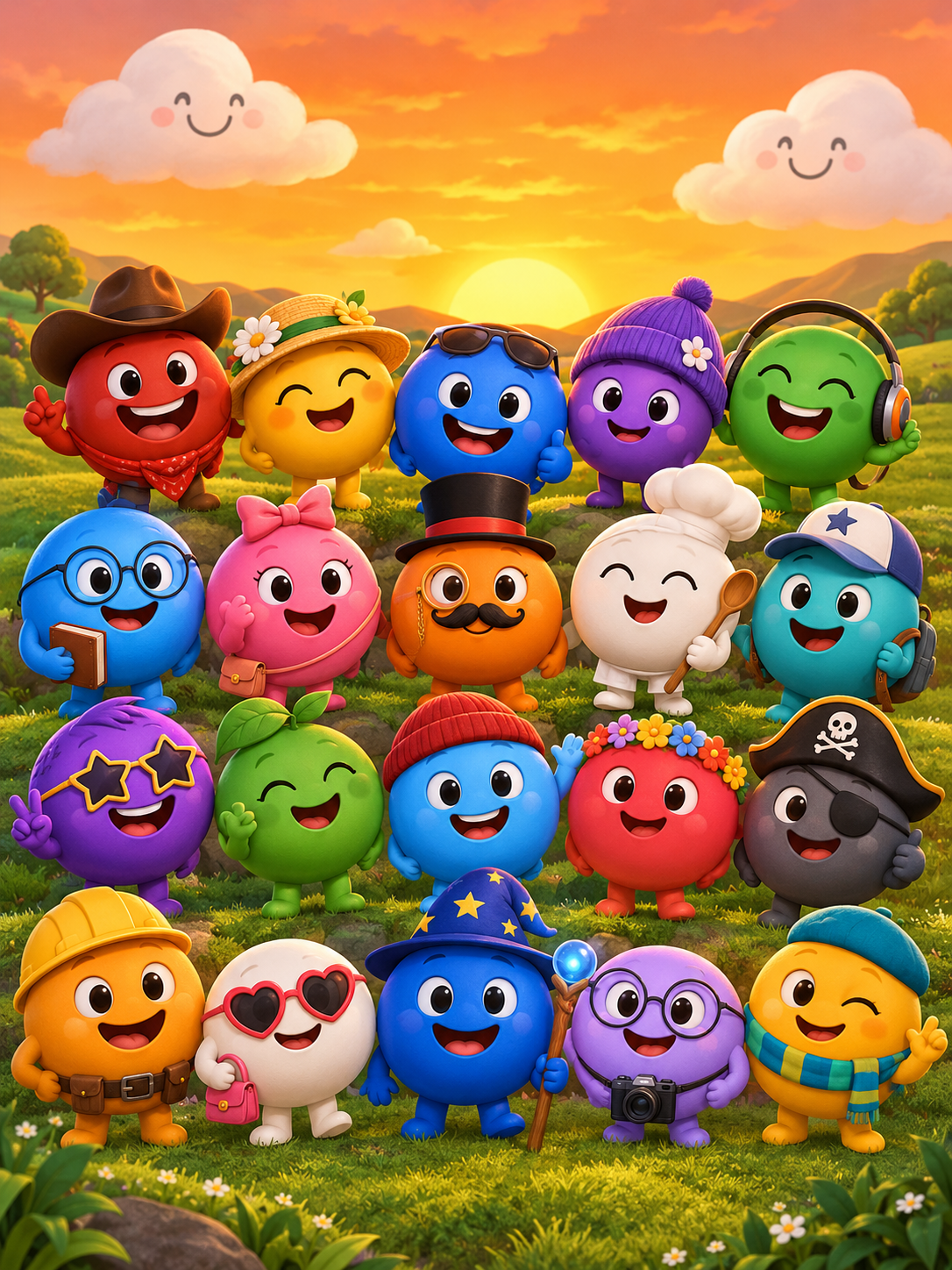
Too many subjects looks like “all seven characters, bonus characters, clouds, hills, and a crowd dancing.” The model cannot track all of that in ten seconds. Fix it by naming one performer or a small group of two or three.
Abstract nouns look like “a magical world of rhythm and friendship.” The model cannot show “rhythm” or “friendship” directly. Fix it with visible action: “one performer claps twice and smiles.”
Conflicting camera moves look like “slow push-in while orbiting and zooming out.” Pick one move. If you want a reveal, use push-in. If you want a dance loop, use locked-off or a slow orbit.
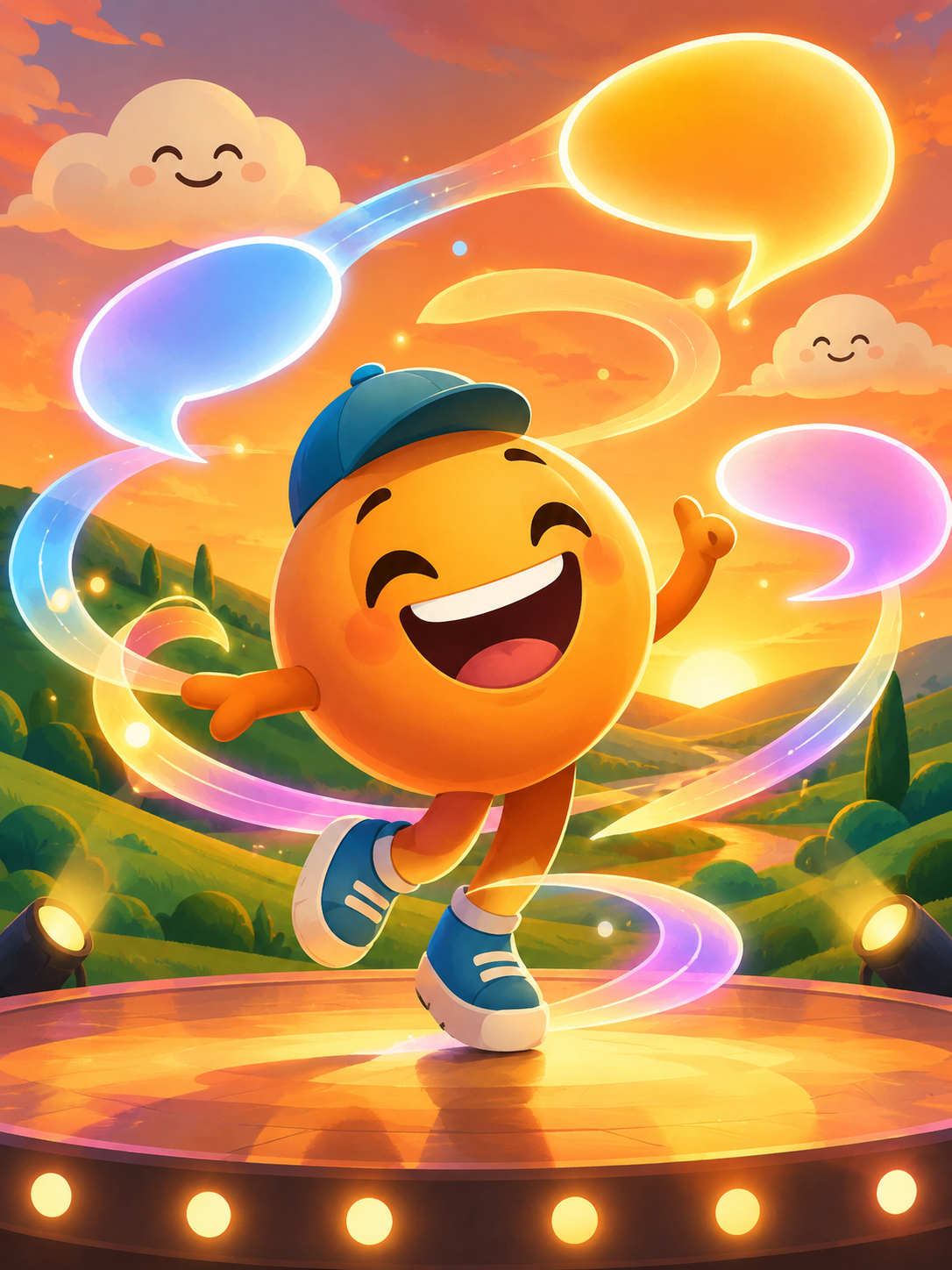
Text requests look like “the words Sprunkity appear on screen.” On-screen text is unreliable in this tool. Add titles, captions, and credits in your editor after the render. The output is silent, so music and sound design also belong in your editor, using material you have the rights to use.
A quick fix checklist:
- Name one original subject or a small group.
- Add one visible action with a beginning and end.
- Set the action on a simple stage with one or two background details.
- Choose one camera move.
- Add one mood or lighting note.
- Remove requests for text, logos, or copied character art.
- Keep the final prompt to one to three sentences.
- Generate, review, and revise one variable at a time.
FAQ
Q: How long should a prompt be?
A: One to three sentences is enough. The model needs a clear action and setting more than a long description. If you add a second paragraph of backstory, cut it down to the visible beat you want in the ten-second clip.
Q: Can I ask for text in the video?
A: No. On-screen text is unreliable in this tool. Add titles, captions, and credits in your editor instead. The render is a silent MP4, so plan your text and music as post-production steps.
Q: Can I mention a copyrighted character?
A: Describe an original character instead. Do not request copied art or an exact likeness of an existing game character. Rights in Sprunkity, its characters, and its art belong to their respective creators. A fan-made tool can be inspired by a scene without reproducing protected designs.
Keep creating
If you want a more detailed walkthrough, read how to make a Sprunkity video, check the fan video rules, and compare AI video costs before you buy credits. When your prompt is ready, create a render; credit packs and plans are listed on pricing.
Try the tool from this guide
Every render costs 30 credits. Failed generations return credits.
Make your Sprunkity video
Describe a 10-second Sprunkity-style scene. Seedance 2.0 creates it from your words alone.
Only selected results appear in our gallery after review. Your input remains private.
$19.90/ 30 credits
30 credits · 10 secondsEvery render costs 30 credits. One-time packs never expire; monthly credits last for the billing month.
Your videos
Describe a scene or upload a character image, then create your video.
Sprunkity
Sprunkity editorial team · Source and publishing references