You can make and publish a Sprunkity-inspired fan video, but you need to clear rights before you do. This guide sets out who owns the game, the characters, your uploaded image, the generated clip, and the music, and what to check at each step.
The short version
- sprunkity.org is an independent, fan-made AI video tool. It is not the game and has no partnership with sprunki1000, itch.io, Incredibox, or TheGoodSprunkiOwner124.
- The game Sprunkity, its character faces including Verity, and its art belong to their respective creators. Popularity does not transfer ownership.
- Your own photo or original prompt remains yours; the generated MP4 is governed by the model provider's terms as well as by your input rights.
- Label AI-generated video on platforms that require it, and keep a record of the prompt, model, and date.
- Selling a clip requires rights to every layer: your input, the output, the music, and any borrowed character art.
What belongs to whom
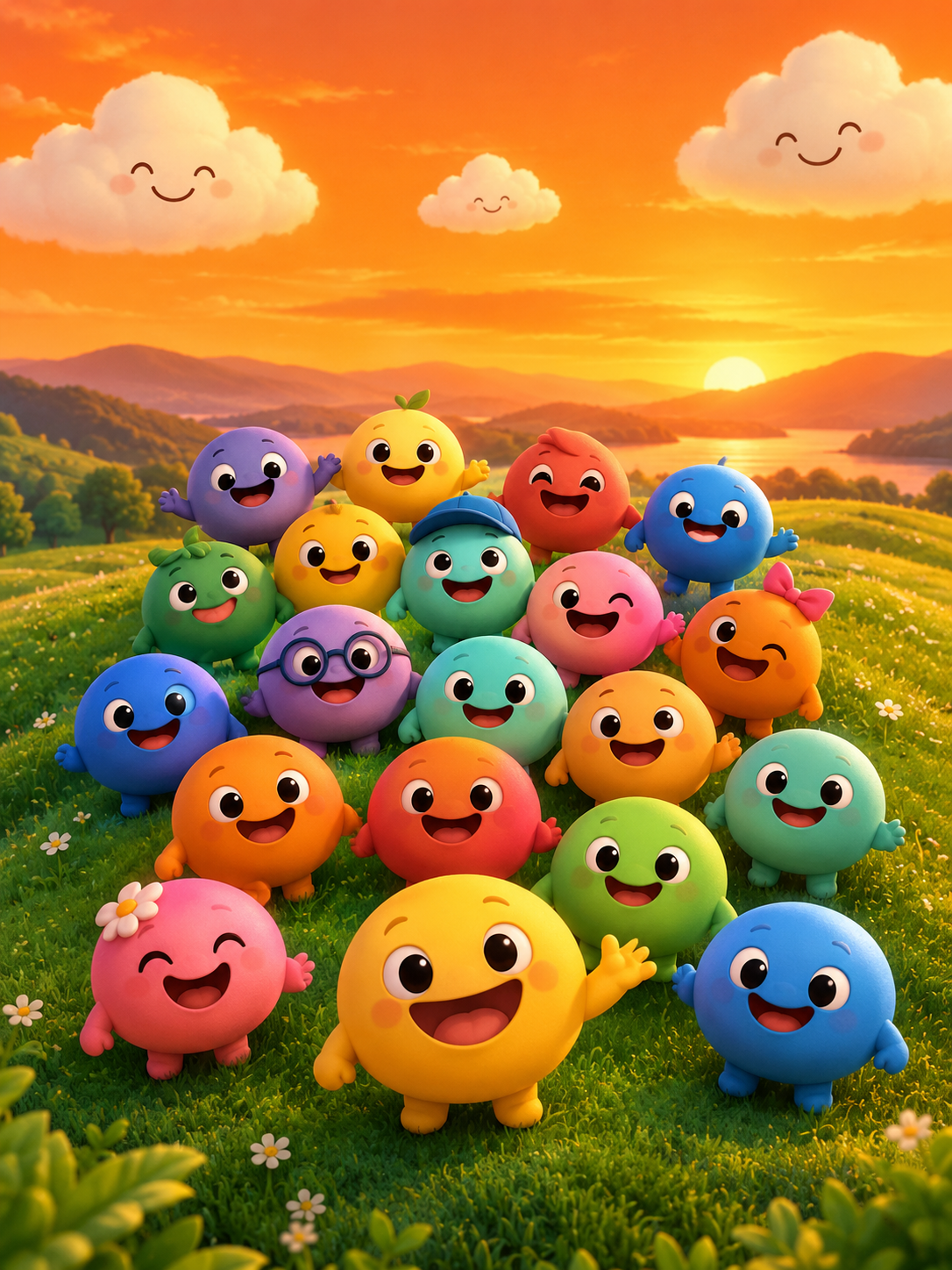
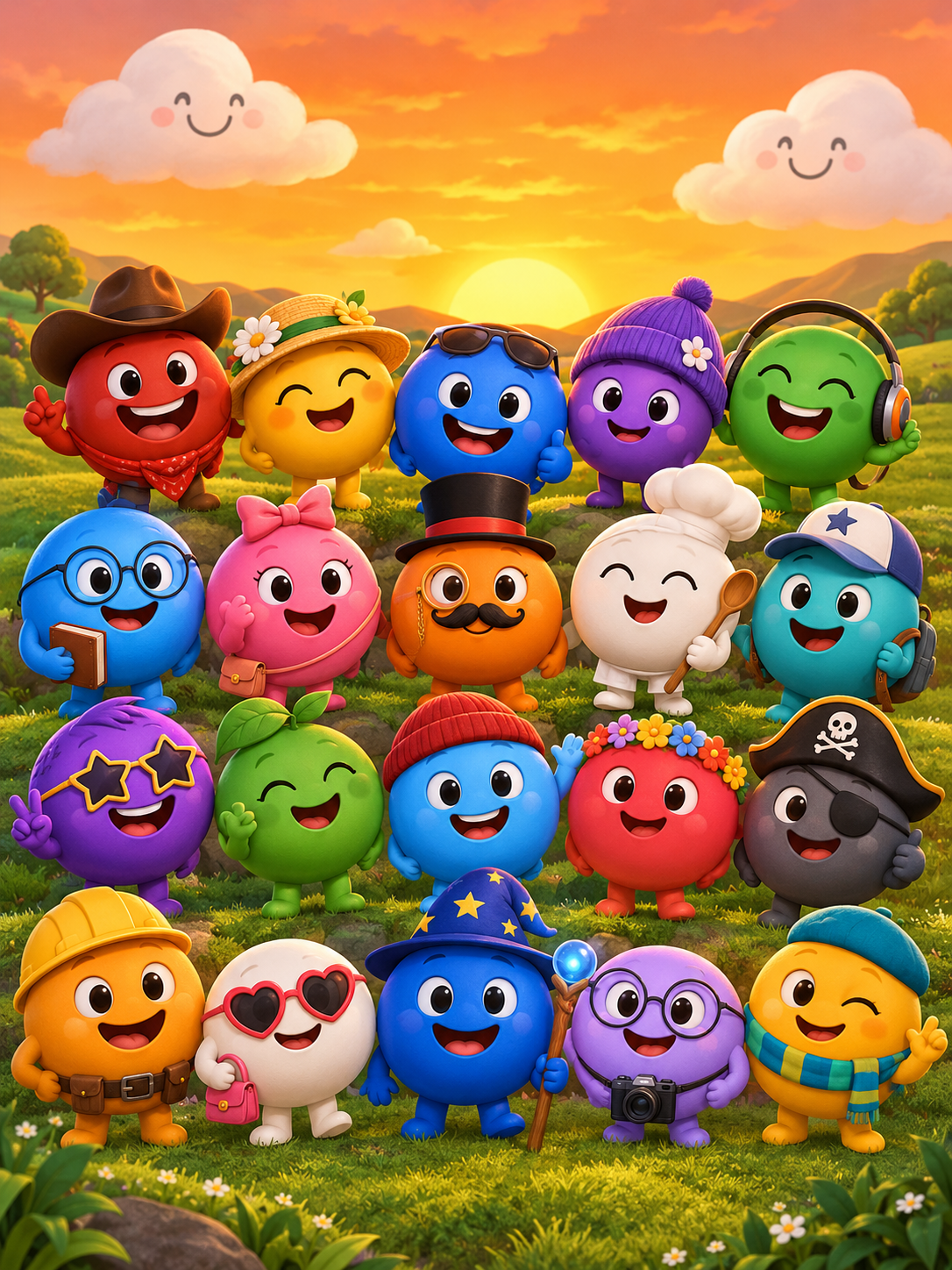
Sprunkity is a fan-made browser music-mixing game in the Sprunki family, created by sprunki1000 and published on itch.io on 13 October 2026. It is an HTML5/Scratch-style game with seven circular performer faces, twenty main sound tiles, and six bonus tiles. A different, download-only game with the same name was made by TheGoodSprunkiOwner124 and has Phase 3, 4, and 5 releases. Sprunki itself is a fan mod of Incredibox. Rights in the game, its characters, and its art belong to their respective creators, not to whoever writes about it or makes a video with it.
sprunkity.org is a separate, independent AI video tool inspired by the scene. It generates a 10-second, 720p, 9:16 silent MP4 with Seedance 2.0 from either a written prompt or one character image in JPG, PNG, or WebP up to 10 MB. Every render costs 30 credits. New accounts start with 0 credits: there is no signup bonus, check-in reward, free preview, or watermark trial. Paid renders have no watermark, and failed generations return their credits automatically.
| Element | Who owns it | What you need | Risk if ignored |
|---|---|---|---|
| Sprunkity game code and stage art | The game's creator, sprunki1000 | Permission before reusing assets or ripping files | Takedown, copyright claim, account penalty |
| Character faces, including Verity | Their respective creators | Permission for direct reuse; treat fan depictions carefully | Infringement claim even if redrawn closely |
| Your uploaded image | You, or the person whose image it is | Consent from the subject, or ownership of the image | Privacy complaint, impersonation report, moderation removal |
| The generated MP4 | You, subject to the model provider's terms | Compliance with provider terms and platform rules | Loss of commercial rights or account action |
| Music and audio you add | The rights holder of the track | A licence or your own original audio | Muting, takedown, or a claim on your channel |
| Platform account and uploads | You, under the platform's terms | Honest captions and disclosure | Reduced reach, removal, repeat-offender strikes |
Before you render or publish, run this checklist:
- Confirm the image is yours or you have written permission from the person in it.
- Write your prompt in your own words rather than copying a creator's character sheet.
- Render only what you need, remembering each render costs 30 credits.
- Add music you have rights to, because the output is silent by default.
- Label the upload as AI-generated on the platform.
- Save the prompt, model name, date, and final file together.
- Check the model provider's terms before any paid or sponsored use.
Do not imply endorsement
Use plain words: "fan-made," "unofficial," "inspired by." Do not use official logos, the game's title treatment, or creator branding in a way that suggests the video came from the game's team. Do not claim a partnership with sprunki1000, itch.io, Incredibox, or TheGoodSprunkiOwner124, and do not describe sprunkity.org as the official Sprunkity video tool. It is an independent fan-made tool, and saying so protects both you and the people whose work inspired the scene.
The same applies to captions and thumbnails. A thumbnail that copies the game's art, paired with a title like "Official Sprunkity Video," is misleading even if the video itself is original. Write the description so a viewer understands they are watching a fan creation made with a separate AI tool.
Child safety
Sprunkity's cast includes round, cartoonish faces, and some read as childlike. Do not create sexualised depictions of minors or of childlike characters, whether the character is fictional or drawn from the game. Platform policies on this apply to fictional characters too, and a "they're just cartoons" defence does not survive moderation review.
If you use image-to-video, do not upload a photo of a child unless you are the parent or guardian or have their explicit permission. Do not place childlike characters in adult scenarios for shock value. Inputs and outputs on sprunkity.org are moderated, so a rejected render is a normal outcome, and failed generations return their credits automatically.
Image consent and privacy
Use your own image or one you have permission to use. That means consent from the person in the photo, not just possession of the file. Do not upload someone else's picture to make it look like they said or did something. Do not use a real person's face to impersonate them, parody them into a false statement, or build a fake account. Doxxing, in the prompt or the image, is out.
Keep the file small and clean: one image only, JPG, PNG, or WebP, up to 10 MB. If a photo contains bystanders, private addresses, or documents, crop or choose another image. Remember that the tool takes one image, not a set, and that the output is a 10-second silent clip rather than a full scene.
AI disclosure
Label generated media on TikTok, YouTube, and Instagram. Each platform has its own control, whether it is an AI-generated content label, an altered or synthetic content disclosure, or an AI info tag. Use it even when the video looks ordinary, and use it when the clip is clearly stylised. It is the honest default everywhere, not just where a rule is enforced.
Keep a record of the prompt, the model (Seedance 2.0), the date, the input image, and the final file. If a platform asks how the video was made, or a rights holder asks, that record answers the question quickly. Since the output is silent, also note which track you added and where its licence came from.
Commercial use
Check the model provider's terms before you sell anything made with the tool. A paid render has no watermark, but watermark-free is not the same as rights-cleared. Avoid selling a clip that copies someone else's art, character design, or music, and avoid implying that a purchase includes rights to the Sprunkity name or cast.
Credits work in specific ways. Monthly credits expire at the end of each billing month; yearly credits are valid for the billing year; one-time credits never expire. Public pricing runs across 13 SKUs, from the monthly Starter plan at 20 credits to the one-time Studio Pack at 600 credits. Read the full breakdown on the pricing page before you commit to a volume, especially if you plan to publish regularly.
FAQ
Can I sell a fan video?
Only if you have rights to every element: your input image or prompt, the output under the provider's terms, the music you add, and any character art you used. A clip that borrows a recognisable character design without permission is a poor candidate for sale, even if you rendered it yourself. If you are unsure about one layer, replace it or keep the video non-commercial.
Can I use a real person's photo?
Only with their permission, and never to impersonate or deceive. Consent should cover the specific use, including publishing the clip publicly. If the person is a minor, get a parent or guardian's permission. If the photo came from a search result or a social feed, you do not have permission.
Do I have to label AI?
Yes on platforms that require it, and it is the honest default everywhere. Label the upload, keep your prompt and model record, and do not present a generated clip as footage of a real event. Disclosure costs you nothing and prevents most misunderstandings before they start.
Keep creating
If you are still working out how this tool differs from the game, read Sprunkity vs Sprunki. For the image workflow, including what makes a usable source photo, see Sprunkity image to video. And before you buy a credit pack, check Sprunkity AI video cost so the 30-credit render price and expiry rules are clear.
When you are ready, open the create page to write a prompt or upload one image, and review pricing for the plan or one-time pack that matches how often you publish. Keep your inputs yours, your music licensed, and your captions honest.
Try the tool from this guide
Every render costs 30 credits. Failed generations return credits.
Make your Sprunkity video
Describe a 10-second Sprunkity-style scene. Seedance 2.0 creates it from your words alone.
Only selected results appear in our gallery after review. Your input remains private.
$19.90/ 30 credits
30 credits · 10 secondsEvery render costs 30 credits. One-time packs never expire; monthly credits last for the billing month.
Your videos
Describe a scene or upload a character image, then create your video.
Sprunkity
Sprunkity editorial team · Source and publishing references