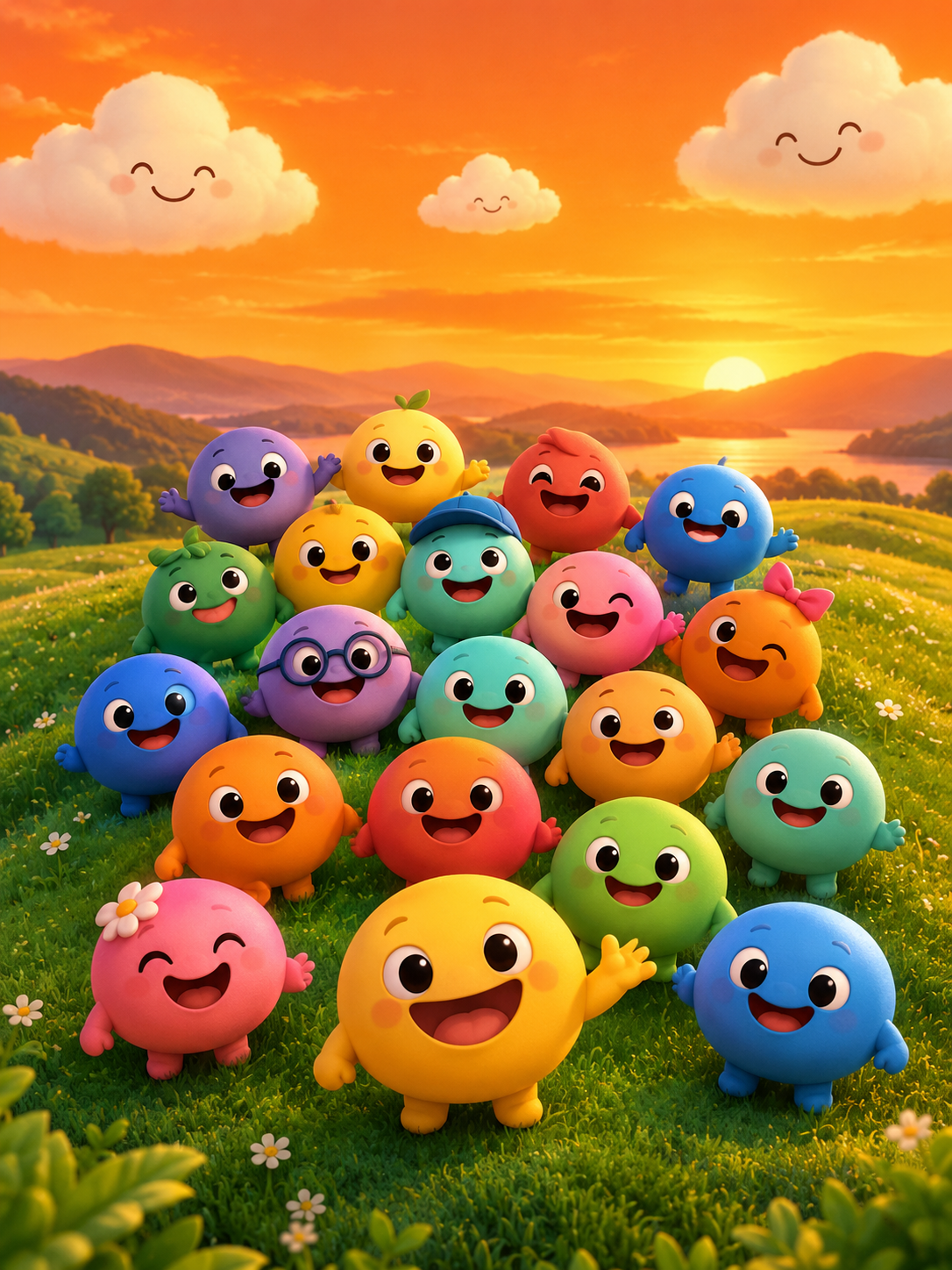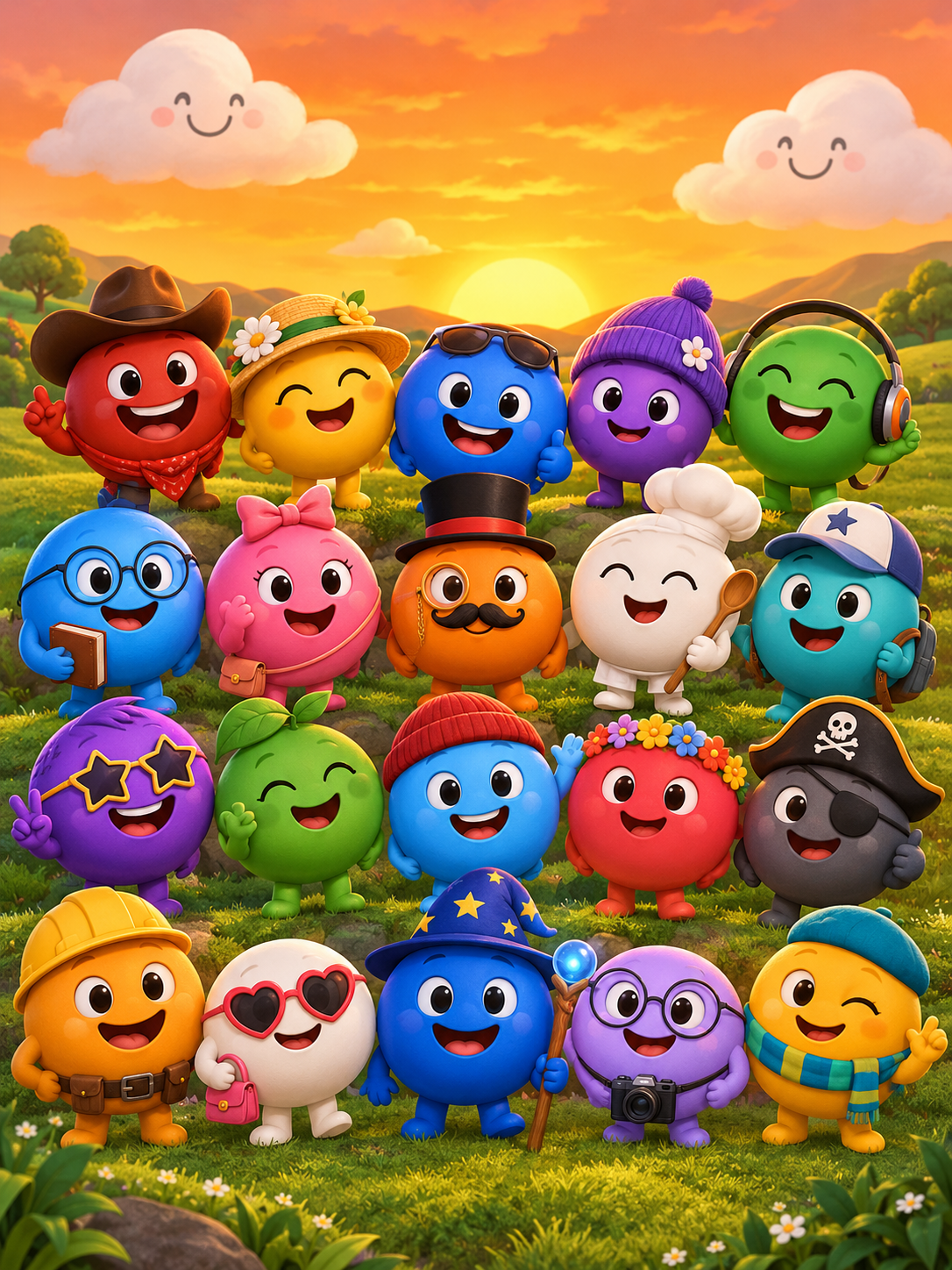
Sprunkity has 20 main sound tiles arranged in two rows and six bonus tiles along the top, with only Verity named among the bonus slots in the game files. For fan videos, treat the character names and colour language as reference points, not as artwork you can copy wholesale.
The short version
- There are 20 named main tiles: Oren, Raddy, Clukr, Fun Bot, Vineria, Gray, Brud, Garnold, OWAKCX, Sky, Mr. Sun, Durple, Mr. Tree, Simon, Tunner, Mr. Fun Computer, Wenda, Pinki, Jevin and Black.
- Six bonus tiles sit in the top bar; only Verity is named in the game files.
- Beat, effect, melody and voice are useful Sprunki-family categories, but they are approximate, not official Sprunkity labels.
- Use original character art or art you have permission to use. Do not rip the game’s assets.
- sprunkity.org is an independent AI video tool inspired by the scene, not the game and not affiliated with its creators.
The 20 main characters in order
Sprunkity is a fan-made browser music-mixing game created by sprunki1000 and published on itch.io on 13 October 2026. It uses an HTML5/Scratch-style setup: seven circular performer faces on a warm orange stage with green hills and smiling clouds, 20 main sound tiles in two rows, and six bonus tiles along the top. The first load is about 56 MiB.
The 20 main tiles are listed below in the order given in the fact sheet. The “Suggested role” column is an editorial starting point for fan projects, not an official game classification. In the Sprunki family, players often think in beats, effects, melodies and voices; that vocabulary is useful, but it should not be treated as a rulebook for Sprunkity.
Character reference:
| Number | Name | Colour | Suggested role | Notes |
|---|---|---|---|---|
| 1 | Oren | Orange | Beat | Warm foundation colour; useful as a starting pulse. |
| 2 | Raddy | Red | Effect | Strong accent; use sparingly in a mix. |
| 3 | Clukr | Silver | Melody | Metallic tone; suits a short motif. |
| 4 | Fun Bot | Robot | Effect | Listed as robot rather than a colour. |
| 5 | Vineria | Green | Voice | Mid-range phrase; good for a response line. |
| 6 | Gray | Gray | Texture | Neutral fill; leaves room for other parts. |
| 7 | Brud | Brown | Beat | Warm low hit; pairs well with a light top line. |
| 8 | Garnold | Gold | Melody | Bright lead; easy to hear in a busy mix. |
| 9 | OWAKCX | Lime | Effect | High accent; useful for short punctuation. |
| 10 | Sky | Sky blue | Voice | Airy top line; keep it uncluttered. |
| 11 | Mr. Sun | Sun | Melody | Bright loop; strong daytime feel. |
| 12 | Durple | Purple | Texture | Soft pad suggestion; good behind a beat. |
| 13 | Mr. Tree | Tree | Beat | Earthy low pulse; grounds a lineup. |
| 14 | Simon | Yellow | Voice | Clear hook; works as a lead phrase. |
| 15 | Tunner | Tan | Texture | Mid neutral; bridges beat and melody. |
| 16 | Mr. Fun Computer | Computer | Effect | Listed as computer rather than a colour. |
| 17 | Wenda | White | Voice | Light response; use as a counterline. |
| 18 | Pinki | Pink | Melody | Playful motif; good for a short loop. |
| 19 | Jevin | Blue | Beat | Deep pulse; useful under brighter parts. |
| 20 | Black | Black | Effect | Negative space and low accent; use with care. |
The six bonus slots
The six bonus tiles sit in the top bar, separate from the two rows of main tiles. Only one bonus character is named in the game files: Verity. That matters for fan writing because it is easy to invent a full bonus roster from memory or from thumbnails. The fact sheet does not name the other five, so a careful article, video description or character guide should not pretend to know them.
Verity is both a named bonus character and the subject of the creator’s official mix. That makes Verity a sensible focal point for fan discussion, but it does not mean every detail about Verity is documented. Keep lore and character claims tied to what the game actually shows or what the creator has published.
How the roles work
In the Sprunki family, mixes are often described in categories such as beats, effects, melodies and voices. These are practical listening labels: a beat holds the pulse, an effect adds a short accent or texture, a melody carries a recognisable line, and a voice supplies a vocal-like phrase. They are not official Sprunkity labels, and the game does not need to sort every tile that way.
For fan videos, the categories are still useful because they help you plan a short sequence. A 10-second video cannot develop a full arrangement, so choose one job for each character. A beat gives motion, a texture fills the middle, a melody gives the viewer something to remember, and a voice adds character. If every part tries to be the lead, the result sounds crowded and the visuals become harder to follow.
How to use a character in a fan video
Do not copy game art. If you want a character that feels related to Sprunkity, design an original character with the same colour language, or animate a character you own. Colour can suggest a family resemblance without reproducing a face, costume or pose from the game.
A useful checklist:
- Decide whether the video needs a full character or only a colour mood. A silhouette or abstract performer may suit a 10-second clip better.
- Sketch an original design. Keep the colour association, but change the silhouette, proportions, materials or facial details so it is not a copy.
- Write a specific prompt if you are generating from text: colour, face shape, material, motion, background and camera. Avoid naming a character if you want an original result.
- If you are using one image, check that it is your own work or properly licensed. The tool accepts one character image in JPG, PNG or WebP up to 10 MB.
- Keep the output format in mind: 10 seconds, 720p, 9:16, silent MP4. Plan the music separately because the render has no audio.
- Review the result for moderation and originality before publishing. Do not imply that your fan video is official.
sprunkity.org generates a 10-second, 720p, 9:16 silent MP4 with Seedance 2.0 from either a written prompt or one character image. Every render costs 30 credits. New accounts start with 0 credits; there is no signup bonus, check-in reward, free preview or watermark trial. Paid renders have no watermark, and failed generations return their credits automatically. Inputs and outputs are moderated, and the output is silent, so you must add music you have the rights to use.
Building a seven-character lineup
The stage has seven circular performer faces, so a seven-character lineup is a natural shape for a fan video or a mock mix. Start with a beat, add a texture, then a melody, then a voice, and leave space. That order prevents the lineup from becoming a wall of sound before you have decided what the viewer should notice.
One workable approach is to choose two beat candidates, two texture candidates, two melody candidates and one voice, then cut one part if the scene feels crowded. For example, a beat-led lineup might use Oren or Jevin as the low pulse, Gray or Tunner as the neutral middle, Garnold or Pinki as the bright motif, and Wenda as the light response. An effect such as Raddy, OWAKCX or Black can act as punctuation rather than a constant layer.
Leave visual space as well. Seven faces on one stage can become repetitive if every character has the same scale, expression and motion. Vary the framing, let some faces react rather than perform, and keep the background simple enough that the colour coding still reads.
Rights and credit
Rights in Sprunkity, its characters and its art belong to their respective creators. Character names and art are not free assets just because the game is browser-based or fan-made. Credit the game and its creator, sprunki1000, when you discuss it, and avoid wording that suggests endorsement, partnership or official status.
There is also a naming collision to keep straight. A different, download-only game with the same name was made by TheGoodSprunkiOwner124 and has Phase 3, 4 and 5 releases for Windows, macOS, Linux and Android. Sprunki itself is a fan mod of Incredibox. If you write about “Sprunkity,” say which project you mean.
sprunkity.org is an independent fan-made tool inspired by the scene. It is not the game and is not affiliated with sprunki1000, itch.io, Incredibox or TheGoodSprunkiOwner124.
FAQ
How many characters are in Sprunkity?
There are twenty main tiles and six bonus tiles. The main tiles are the named two-row roster; the bonus tiles sit along the top, and only Verity is named among them in the game files.
Who is Verity?
Verity is a bonus character named in the game files and the subject of the creator’s official mix. Avoid inventing extra lore that the game or creator has not published.
Can I use the character art in my video?
Use art you created or have permission to use. Do not rip the game’s assets, and do not present a copied character as an original design. If you need a related look, build an original character from the colour language instead.
Keep creating
If you want to turn a character idea into a short fan clip, start with what Sprunkity is, then read how to make a Sprunkity video and the fan video rules. When you are ready, open the creator to generate a 10-second silent MP4; each render costs 30 credits, and you can check pricing for credit packs and plans.
Try the tool from this guide
Every render costs 30 credits. Failed generations return credits.
Make your Sprunkity video
Describe a 10-second Sprunkity-style scene. Seedance 2.0 creates it from your words alone.
Only selected results appear in our gallery after review. Your input remains private.
$19.90/ 30 credits
30 credits · 10 secondsEvery render costs 30 credits. One-time packs never expire; monthly credits last for the billing month.
Your videos
Describe a scene or upload a character image, then create your video.
Sprunkity
Sprunkity editorial team · Source and publishing references