For most people, the right setup is the Sprunkity browser game to build the mix and one focused AI video tool to turn a single character image or a written prompt into a 10-second vertical clip. You do not need a full animation pipeline, an editing suite or a subscription to a general-purpose video model to publish one fan video.
The short version
- The game makes music. A video tool makes the clip. Treat them as two separate steps.
- sprunkity.org is an independent, fan-made AI video tool. It is not the game, and it is not affiliated with sprunki1000, itch.io, Incredibox or TheGoodSprunkiOwner124.
- Every render is a 10-second, 720p, 9:16 silent MP4 and costs 30 credits.
- New accounts start with 0 credits. There is no signup bonus, check-in reward, free preview or watermark trial.
- Failed generations return their credits automatically. Paid renders have no watermark.
- The output is silent, so you add music you have the rights to.
Decide what you actually need
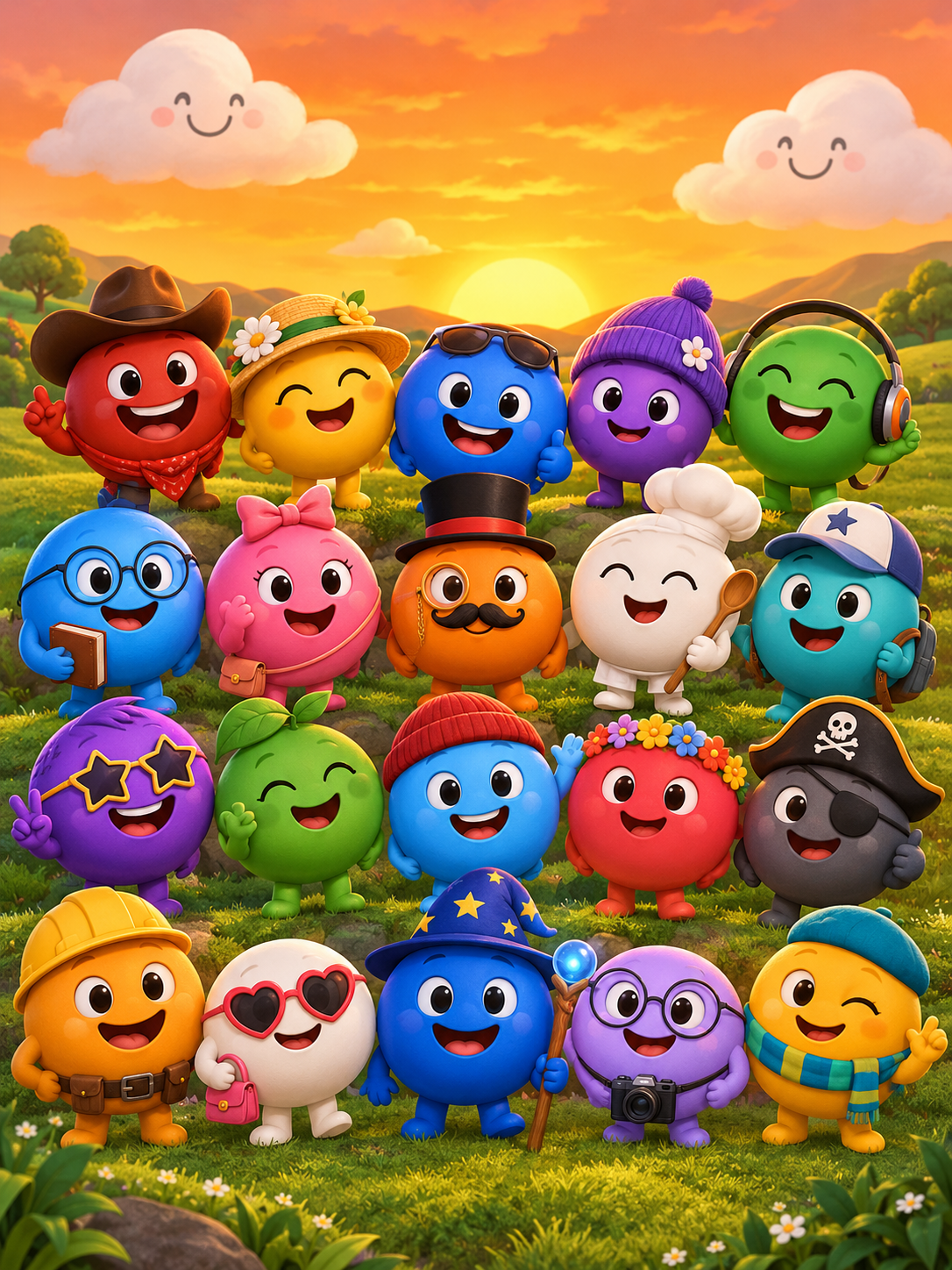
Sprunkity, the browser game, is a mixing toy. You get seven circular performer faces on a warm orange stage with green hills and smiling clouds, twenty main sound tiles across two rows and six bonus tiles along the top, one of them named Verity. You drag a tile onto a face, hover for mute, solo and remove, use the round arrow at the top right to reset the mix, and open settings or the creator gallery from the menu at the top left. The first load is around 56 MiB.
What the game does not give you is a video file. It gives you a mix. So the question is what you want to publish:
- A recording of your mix with the characters moving on screen.
- A short vertical clip built around one character, used as a teaser, a loop or a thumbnail-style opener.
- Both, cut together.
This article is about the second item, because that is the part people overbuy for. A ten-second clip does not need a timeline editor, a render farm or a monthly subscription to a general video model. It needs one image or one prompt, one fixed output spec, and a price you can see before you press generate.
Also worth clearing up: there is a different, download-only game with the same name, made by TheGoodSprunkiOwner124, with Phase 3, 4 and 5 releases for Windows, macOS, Linux and Android. That is a separate project from the browser game, and separate again from this site. If you are reading a guide that blends them, check which one it means.
The six checks
Before you commit to any tool, run these six checks in order. They take about five minutes and they will save you a wasted purchase.
- Input types. Can it take both a written prompt and an image, or only one? Our tool accepts either a prompt or one character image in JPG, PNG or WebP up to 10 MB. It does not accept multiple images.
- Output spec. Write down the duration, resolution, aspect ratio, container and whether there is audio. Ours is fixed at 10 seconds, 720p, 9:16, MP4 and silent. A tool that "supports up to 4K" but defaults to a variable 4-to-8 second square clip is not the same product.
- Cost per render. Divide the pack price by the credits it contains, then divide by credits per render. At our rates that is 30 credits per render, so a 60-credit pack is two renders, not sixty.
- Moderation. Are inputs and outputs moderated? Both are here. If a tool has no stated policy, assume the payment processor will eventually force one.
- Download rights. Who owns the output, what does the model provider's terms say, and do you have rights in the input image, the music and any characters you used? Rights in the game, its characters and its art belong to their respective creators.
- No fake free-credit loop. If a tool advertises endless free generations but never produces a clean downloadable file, you are the product or the test. Check whether a real download is available and on what terms.
General video models vs a focused tool
General video models are impressive and awkward. You write a long prompt, hope the model respects the duration you asked for, re-roll when it drifts, and pay per second or per generation at a rate that changes with resolution and length. Each project becomes a small prompt-engineering exercise, and the output spec moves around underneath you.
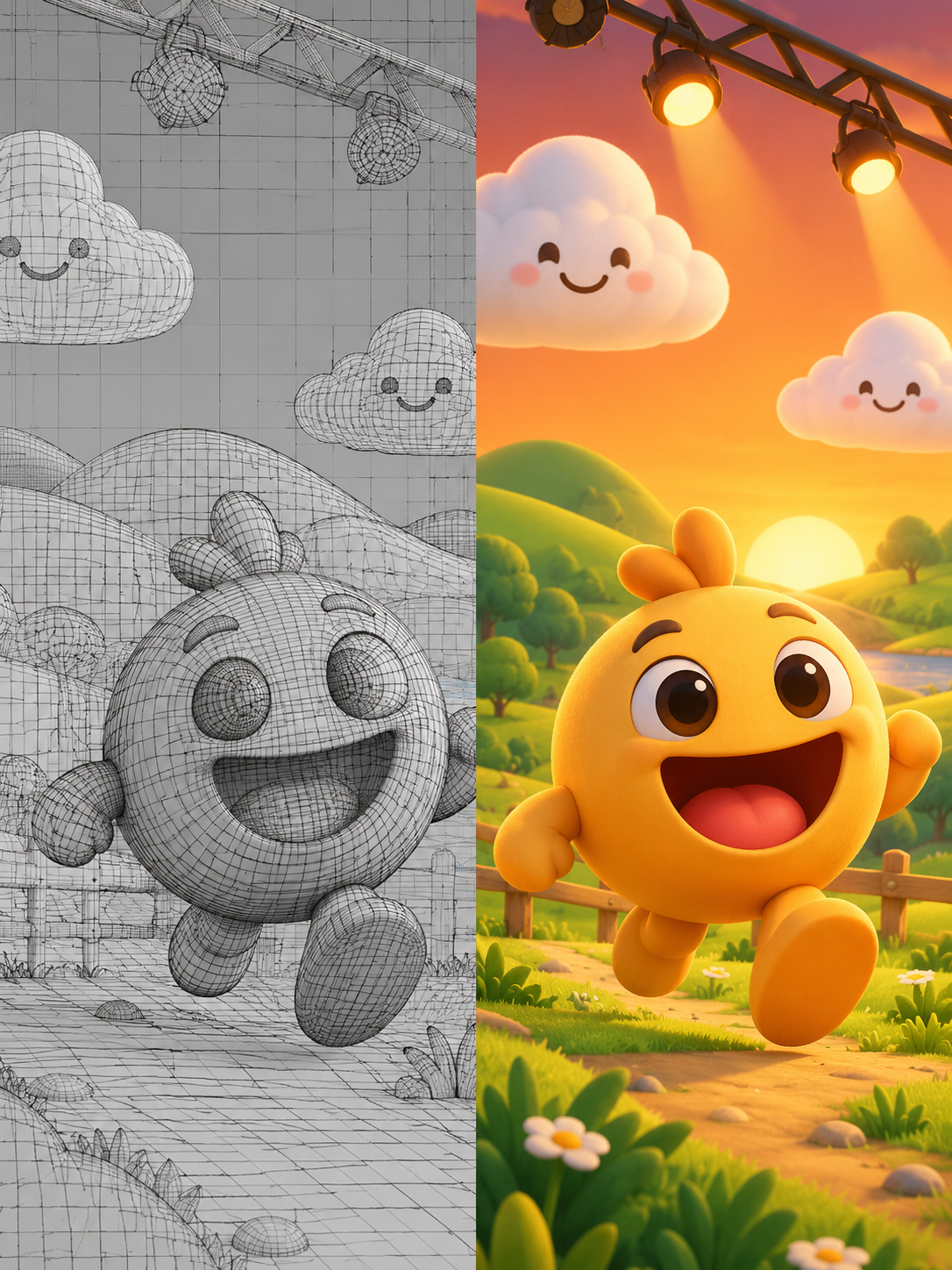
A focused workflow does the opposite. The spec is fixed: 10 seconds, 720p, 9:16, silent MP4, generated with Seedance 2.0 from one prompt or one image. The price is fixed at 30 credits. The variables are the prompt and the input image, which is where your attention should be anyway.
That trade is not always in the focused tool's favour. If you need a 40-second landscape clip with audio, a general model is the correct answer and this tool cannot help you. If you need a repeatable vertical clip for a fan edit, a fixed spec removes most of the reasons a render fails.
Why transparent pricing matters
Credit systems get opaque fast, so here is ours in full.
Every render costs 30 credits. New accounts start with 0 credits, and there is no signup bonus, check-in reward, free preview or watermark trial, so the balance you see is the balance you bought. Failed generations return their credits automatically. Paid renders carry no watermark.
There are 13 public SKUs. Monthly: Starter 20 credits at $9.90, Basic 60 at $19.90, Pro 200 at $39.90, Studio 500 at $79.90. Yearly: Starter 240 at $79, Basic 720 at $159, Pro 2,400 at $319, Studio 6,000 at $639. One-time: Single 10 at $9.90, Duo Pack 30 at $19.90, Party Pack 100 at $39.90, Crew Pack 250 at $79.90, Studio Pack 600 at $149.
The expiry rules differ by type, and this is the part people skip. One-time credits never expire. Monthly credits expire at the end of each billing month. Yearly credits are valid for the billing year. If you buy a monthly pack for a single clip and do not use it that month, you have bought nothing.
Note the arithmetic before you buy. A Single pack holds 10 credits, which is one third of a render. The smallest purchase that actually produces a clip is the Duo Pack at 30 credits.
Red flags
- Unlimited free generations with no clean download. If the export is watermarked, low resolution or locked behind a step that never arrives, the "free" part is marketing.
- Hidden watermarks. Ask specifically whether paid output is watermark-free, and check a sample before you buy a large pack.
- Unclear credit expiry. "Credits may expire" is not a policy. You want the rule in writing: never, monthly, or yearly.
- No moderation policy. Unmoderated image and video tools attract the kind of content that gets a payment processor involved, and your project goes down with it.
- Promises of exact likeness. No responsible tool guarantees that a generated character will match a reference exactly, and ours does not.
- Scope creep in the sales copy. Custom audio, multiple reference images, editing tools, resolutions beyond 720p: if a page promises these, check the feature list rather than the headline.
A simple decision table
| Need | Best option | Why | Watch out for |
|---|---|---|---|
| One clip | Duo Pack, 30 credits, $19.90 | Exactly covers a single 30-credit render | One-time credits never expire, but there is no change from a render |
| About four clips a month | Monthly Pro, 200 credits, $39.90 | Covers six renders | Monthly credits expire at the end of each billing month |
| A large project, 20 or more clips | Yearly Pro, 2,400 credits, $319 | Covers 80 renders at a lower cost per render | Yearly credits are valid only for the billing year |
| A one-off experiment | Duo Pack, 30 credits, $19.90 | The Single pack's 10 credits cannot fund a render alone | Do not buy Single first and expect a clip |
If your project is bigger than 80 clips, the yearly Studio tier at 6,000 credits covers 200 renders. Work out your clip count before you pick a tier, not after.
FAQ
Is a free AI video generator good enough?
Sometimes, for testing a prompt. Usually not for publishing. Free tiers tend to cap resolution, add a watermark or place you behind paying users in a queue, and the download terms are often the last thing documented. Read the export terms before you build a workflow around one. If the tool cannot give you a clean file at the spec you need, it is a demo, not a production option.
What should one clip cost?
At our rates, one render is 30 credits. Practically, the cheapest way to get there is the Duo Pack at $19.90, which is 30 credits and therefore exactly one render. Monthly and yearly tiers lower the cost per render if you will use the credits inside the expiry window. If you will not, buy one-time credits instead.
Can I use the output commercially?
That depends on three things: the model provider's terms, your rights in whatever you uploaded as input, and your rights in the music and any characters in the final edit. This site does not grant you rights in Sprunkity, Sprunki, Incredibox or anyone else's characters, and rights in the game, its characters and its art belong to their respective creators. Read the terms, keep records of your inputs, and do not assume a generated file is automatically clear for commercial use.
Keep creating
The fastest path from here is to decide your clip count, buy the smallest pack that covers it, and generate one render before you buy more. Start at /#create with a single image or a prompt, and check /pricing for the current tiers and expiry rules.
If you are still choosing a tool, read the cost breakdown and how sprunkity.org differs from Sprunki. If you already have credits, prompt guidance for text-to-video will do more for your output than any setting.
Try the tool from this guide
Every render costs 30 credits. Failed generations return credits.
Make your Sprunkity video
Describe a 10-second Sprunkity-style scene. Seedance 2.0 creates it from your words alone.
Only selected results appear in our gallery after review. Your input remains private.
$19.90/ 30 credits
30 credits · 10 secondsEvery render costs 30 credits. One-time packs never expire; monthly credits last for the billing month.
Your videos
Describe a scene or upload a character image, then create your video.
Sprunkity
Sprunkity editorial team · Source and publishing references