Sprunkity fans who want short, shareable video around the game can use sprunkity.org as an independent AI video tool to turn a written idea or one character image into a 10-second, 720p, 9:16 silent MP4. It is not the game, is not affiliated with sprunki1000, itch.io, Incredibox or TheGoodSprunkiOwner124, and every render costs 30 credits, with new accounts starting at 0.
The short version
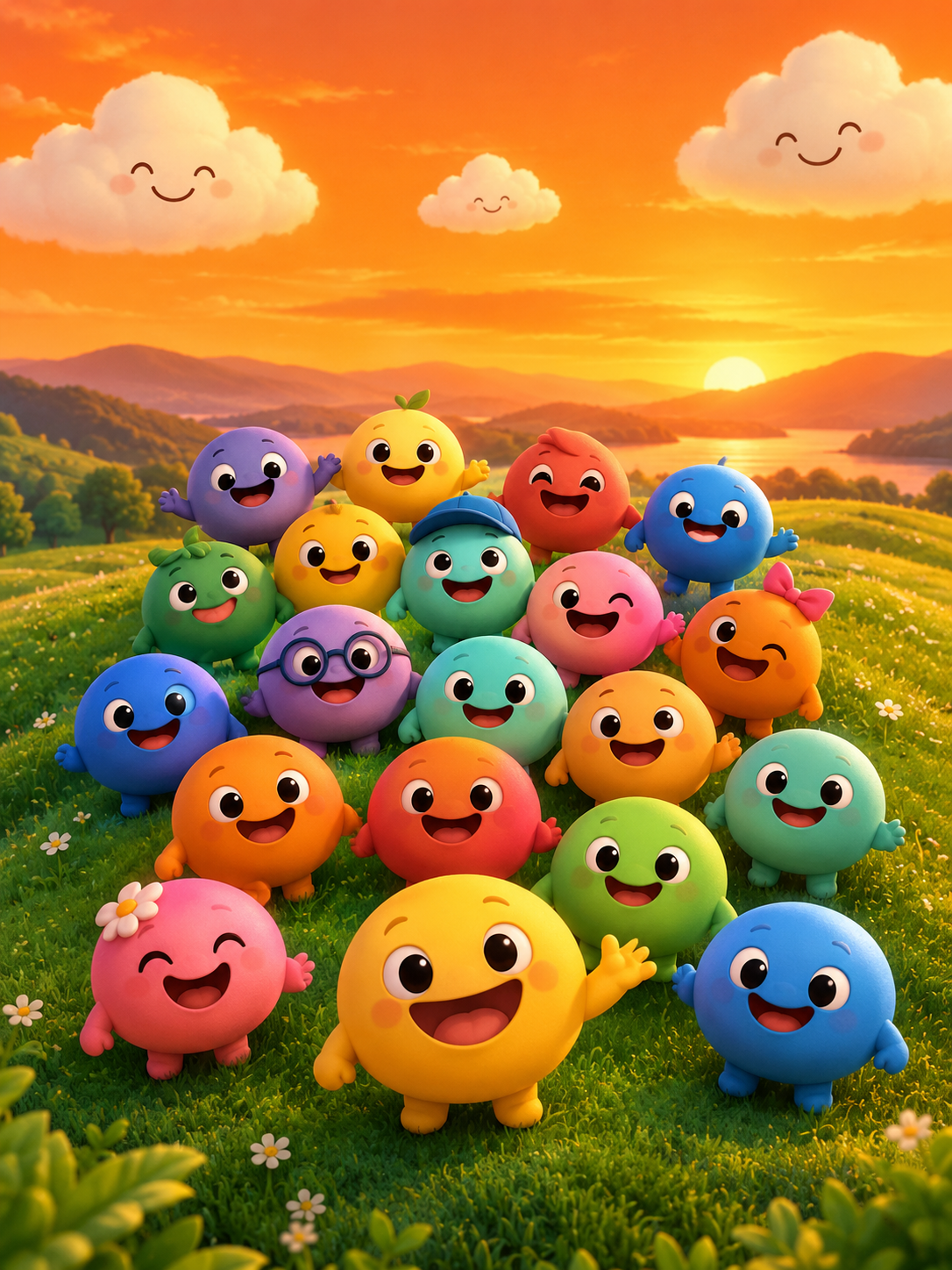
- Sprunkity is a fan-made browser music-mixing game by sprunki1000, published on itch.io on 13 October 2026, with seven performer faces, twenty main sound tiles, six bonus tiles and a warm stage of orange sky, green hills and smiling clouds.
- A 10-second clip works best when it carries one idea: a hook, a turn and a payoff.
- You can start from text or from one character image (JPG, PNG or WebP, up to 10 MB). Output is silent, so add music you have the rights to.
- Renders are one image-to-video or text-to-video pass at 720p in 9:16. Every render costs 30 credits, and failed generations return their credits automatically.
- Plan your credits before you plan your series. A single idea is one render; a themed set is several.
Why 10 seconds is enough
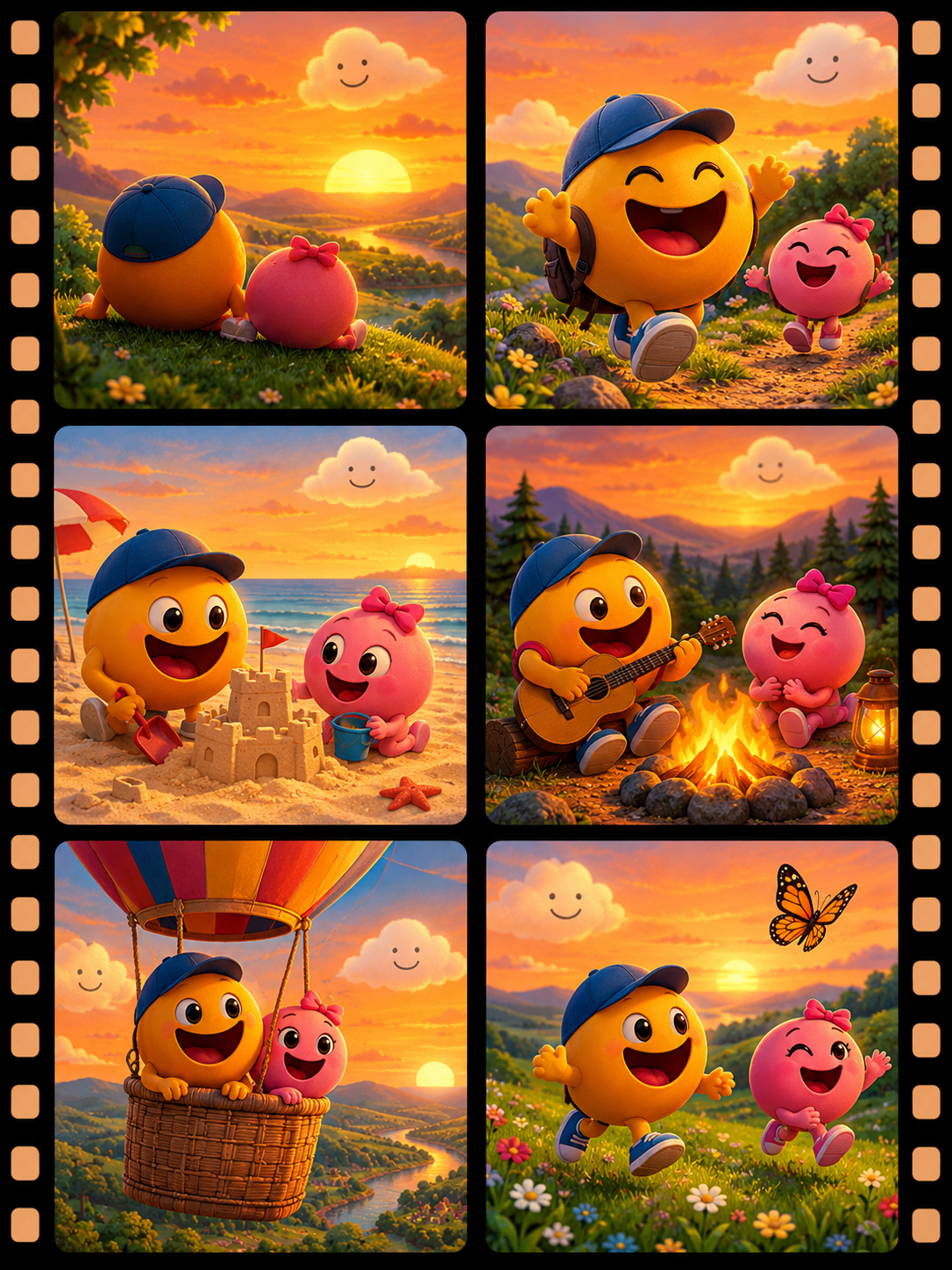
Ten seconds is a complete unit of attention, not a truncated video. The format that fits it is the three-beat clip: hook, turn, payoff. The hook is the first one to three seconds, and it has to be visible before anyone decides to scroll. The turn is the small surprise — a face appears, a colour changes, a tile lands. The payoff is the last two seconds, where the joke or the reveal settles.
Trying to fit a whole story into ten seconds is the most common reason a clip feels rushed. One idea per clip is the rule. If you have a beginning, a middle and an end for a character, that is three clips, not one. If you have a punchline, that is one clip. The silence of the output pushes you toward visual storytelling, which suits the game's brightly coloured, circular-faced cast well: expressions, staging and colour do the work that dialogue would otherwise do.
There is also a practical reason to keep it short. Every render costs 30 credits, so a clear, simple prompt is cheaper to iterate on than an ambitious one that needs several attempts. A ten-second clip with one strong visual idea is easier to describe accurately than a longer scene with multiple actions, and a clearer prompt is more likely to produce something usable on the first pass.
Character and lineup ideas
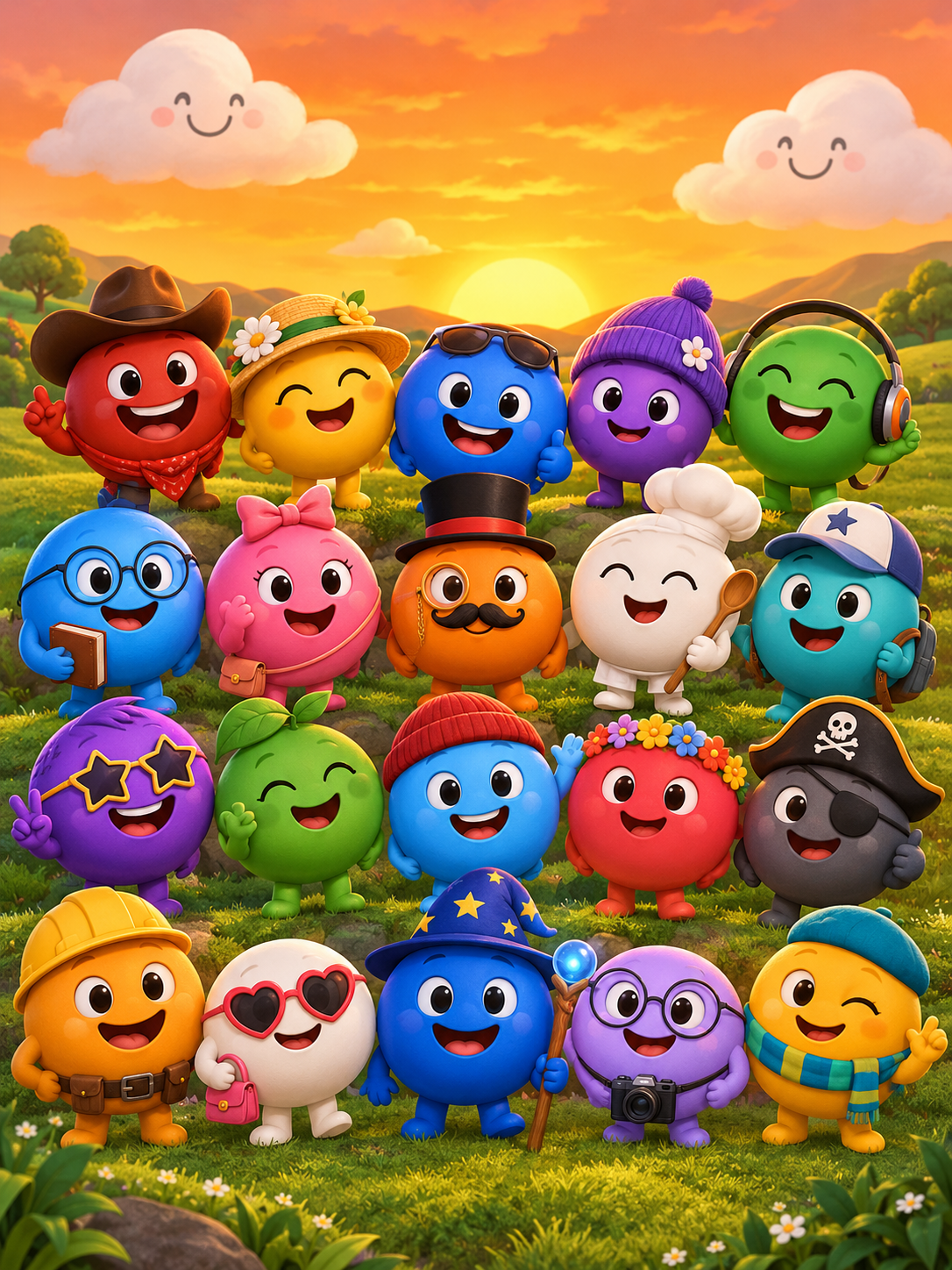
The game's structure gives you ready-made visual grammar. Seven circular performer faces on stage, twenty main sound tiles in two rows and six bonus tiles along the top. You can borrow that grammar without copying the art.
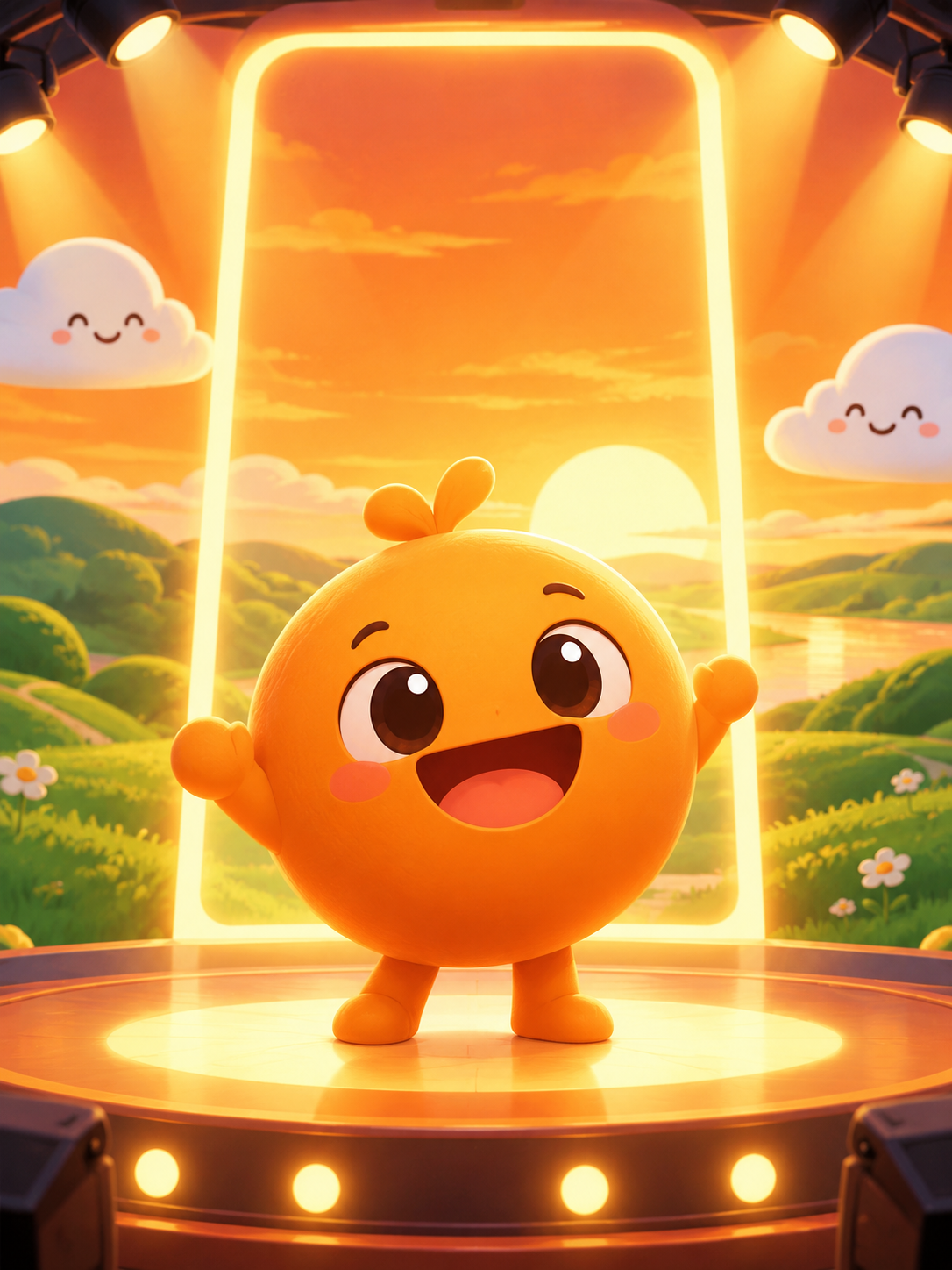
- Entrance. One character walks or fades into frame against a warm orange sky and green hills, stops, and looks at the viewer. Keep the camera fixed and let the entrance be the whole event. This is the easiest clip to prompt and the easiest to reuse as a series opener.
- Colour swap. A character stands still while their palette shifts from one scheme to another, ending on a new look. This works as a teaser for a "new phase" or a costume change, and it needs only one subject and one transformation.
- Seven-slot reveal. A wide stage shot where seven positions light up one after another, ending with the full lineup. Describe the positions explicitly — left to right, one at a time — so the model does not fill the frame with clutter. This is the closest thing to a title sequence the format allows.
- Duo duet. Two characters face each other, one leads and the other answers. Silent output helps here: the rhythm of the movement reads as a call-and-response without any audio at all. Pair it with a licensed track and the timing will feel intentional.
For character-led work, an image-to-video start is usually more controllable than text alone, because you supply the face and the outfit and the model only has to animate. If you are designing that character yourself, keep it original. Do not trace or reproduce the game's art.
Story and meme ideas
Short video rewards familiar formats. The trick is to use a format people already recognise and attach it to something specific to the Sprunkity scene.
- Verity-style Q&A parody. One bonus character in the game is named Verity, which makes a mock interview or answer-the-question bit a natural fit. A single character faces the viewer, tilts as if listening, then reacts. Keep it to one question and one reaction. Do not invent lore about the character; treat the name as a prompt, not as canon you can expand on.
- Horror switch. Start warm and friendly — orange sky, green hills, smiling clouds — then cut the palette to something colder in the final seconds. The contrast is the whole joke, and it maps cleanly onto the hook-turn-payoff structure.
- Tier-list intro. A character gestures toward an off-screen ranking board or slams a hand down on a table. You are promising a ranking video, not showing the ranking. That promise is enough for a ten-second opener.
- Reaction intro. A face leans in, eyebrows raise, then settles into a flat stare. This is the most reusable clip you can make, because it can front almost any commentary video.
Write the beat you want to see, not the mood you want to feel. "Character leans toward camera, eyes widen, then freezes" is a prompt. "Funny reaction" is a wish.
Music-led ideas
Output from sprunkity.org is silent. That is a feature for music-led clips, because it means you choose the track and control the timing rather than fighting a generated soundtrack. You must have the rights to whatever you add.
| Idea | Prompt angle | First-3-second hook | Best platform |
|---|---|---|---|
| Beat drop | Single character on stage, freeze on the drop, then a hard pose change | Character stands still, then snaps into motion | TikTok |
| Loop challenge | One character, one repeating gesture, seamless start and end pose | Gesture already mid-motion at frame one | YouTube Shorts |
| Silent-film joke | Exaggerated expressions, no lip movement, one visual gag | Character reacts to something off-screen | Instagram Reels |
| Lyric-card setup | Character holds a card or gestures to empty space where text will go | Hand enters frame with a blank card | TikTok |
- Beat drop. Render a character holding still, then changing pose sharply. Cut your licensed track so the drop lands where the pose changes.
- Loop challenge. Ask for a gesture that starts and ends in the same position. When the clip loops, it reads as continuous movement, which is a cheap way to make ten seconds feel longer.
- Silent-film joke. Lean into the silence. Exaggerated expressions and one clear visual gag suit a format with no audio at all.
- Lyric-card setup. Leave deliberate empty space in the frame and overlay your own text in an editor afterward. The generator does not add text, so plan the space for it.
Seasonal and community ideas
The scene around Sprunkity is a fan scene, and fan scenes run on small, specific gestures rather than polished campaigns.
- Birthday clip. A character stands on stage while confetti or lights appear. Overlay the name in your editor. This is a personal post, not a product.
- Pet character. An original animal character designed in the same spirit — round, expressive, simple — bouncing or tilting in place. Original design only; do not copy existing art.
- Collab invitation. A character gestures toward an empty second position, with your own text overlay naming the collaborator. The empty slot is the message.
- Fan-phase teaser. A lineup shot that ends on one silhouette, implying more to come. Keep it vague. Do not announce features of the game that do not exist, and do not imply you are the developer.
Publishing checklist
- Label the clip as AI-generated in the post settings and in the caption where the platform allows it.
- Credit the game and its creator, sprunki1000, when your clip is about Sprunkity. Note that sprunkity.org is an independent tool, not the game.
- Use music you have the rights to. The output is silent, so the track is entirely your responsibility.
- Avoid copied art. Do not upload or reproduce the game's characters and art as source images; use original designs or images you own.
- Write a specific title. "Verity-style reaction intro, 10 seconds" outperforms "sprunkity video" because it tells the viewer what they are about to watch.
- Check the render before you post. Failed generations return their credits automatically, but a successful render that misses the idea still costs 30 credits.
- Keep a simple log of prompts that worked, so your next clip starts from a known quantity.
FAQ
Can I post these on TikTok or YouTube? Yes, if you have the rights to the music and follow each platform's AI-labeling rules. The video itself is yours to publish, but the soundtrack and any third-party assets are your responsibility.
Can I use the game's characters? Do not copy the art. Design an original character or use one you own. Rights in the game, its characters and its art belong to their respective creators, so the safe path is an original design in a similar spirit.
How many ideas can one pack cover? One render per 30 credits. The Duo Pack, at 30 credits, covers one render. The Party Pack, at 100 credits, covers three. Plan a series in multiples of 30 and leave a little headroom for a retry.
Keep creating
If you are new to the game itself, start with what Sprunkity is before you plan clips around it. For a step-by-step walkthrough of your first render, read how to make a Sprunkity video. If you already have a character design and want to animate it, see Sprunkity image to video. When you are ready to render, open the create page, and check pricing to match a credit pack to the number of clips you actually plan to make.
Try the tool from this guide
Every render costs 30 credits. Failed generations return credits.
Make your Sprunkity video
Describe a 10-second Sprunkity-style scene. Seedance 2.0 creates it from your words alone.
Only selected results appear in our gallery after review. Your input remains private.
$19.90/ 30 credits
30 credits · 10 secondsEvery render costs 30 credits. One-time packs never expire; monthly credits last for the billing month.
Your videos
Describe a scene or upload a character image, then create your video.
Sprunkity
Sprunkity editorial team · Source and publishing references